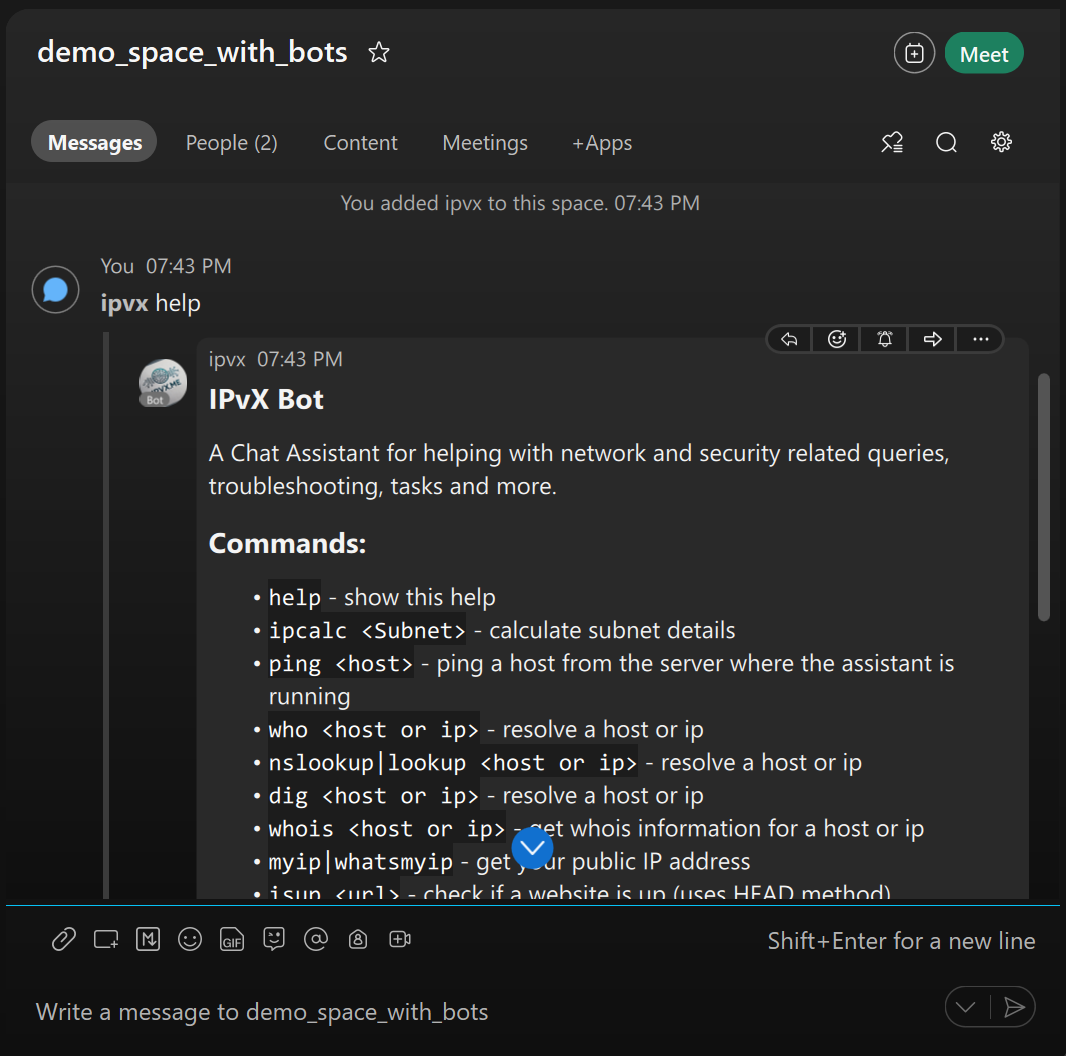
IPvX Bot

IPvX Bot on Webex ipvx@webex.bot

Use Cases:

Use case 1: Executing certain commands from an external source.

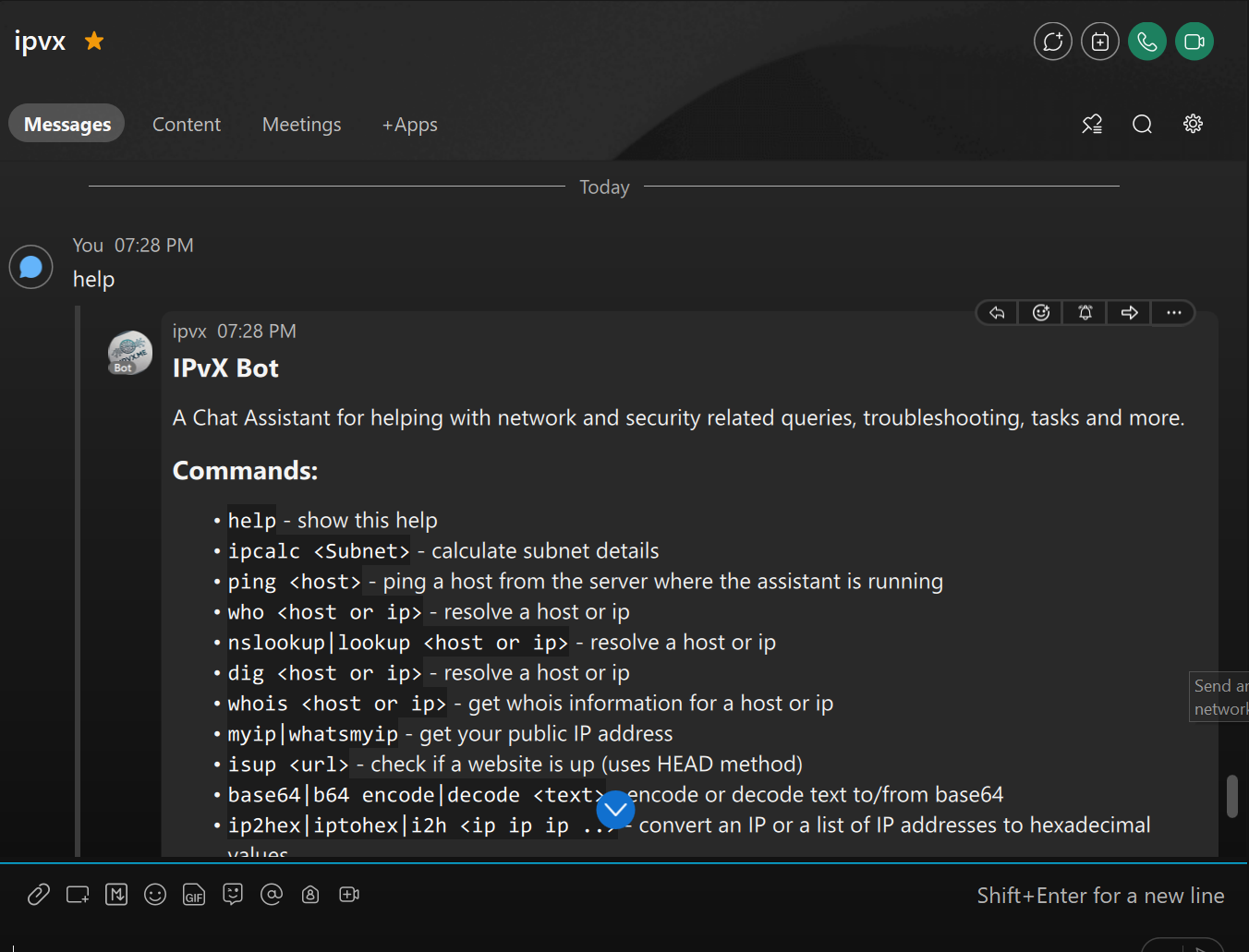
  1. Using isup <url> to check if the mentioned url is reachable from the bot's point of view or not which may confirm or negate the issue you're facing.
  2. Executing ping against your company's public IP.

Use case 2: Other frequently used tools like:

1.ipcalc <subnet> which returns the details of the provided subnet. 2. hex2ip or ip2hex can help with when debugging on some firewalls that show the IPs in hexadecimal format

Using IPvX Bot:

Directly Message the bot

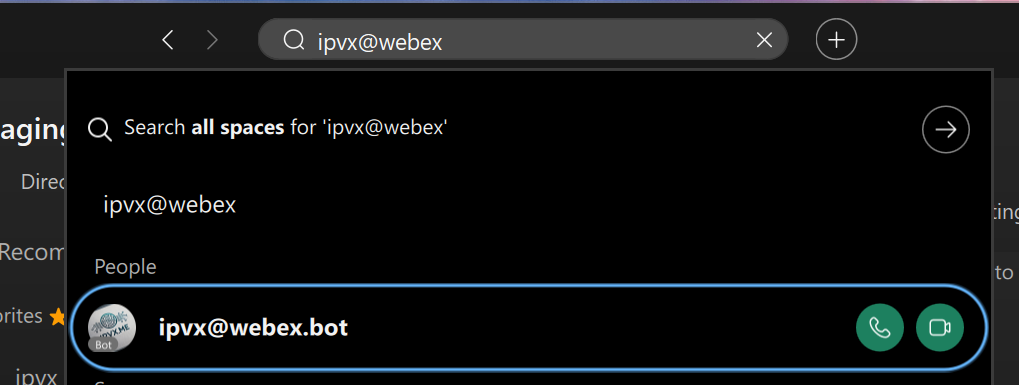
  1. Search for the bot by typing ipvx@webex.bot in the search bar.
  2. Send a direct message to the bot by clicking on the bot's name.
  3. Start sending commands to the bot, without any prefix.

Add the bot to an existing space

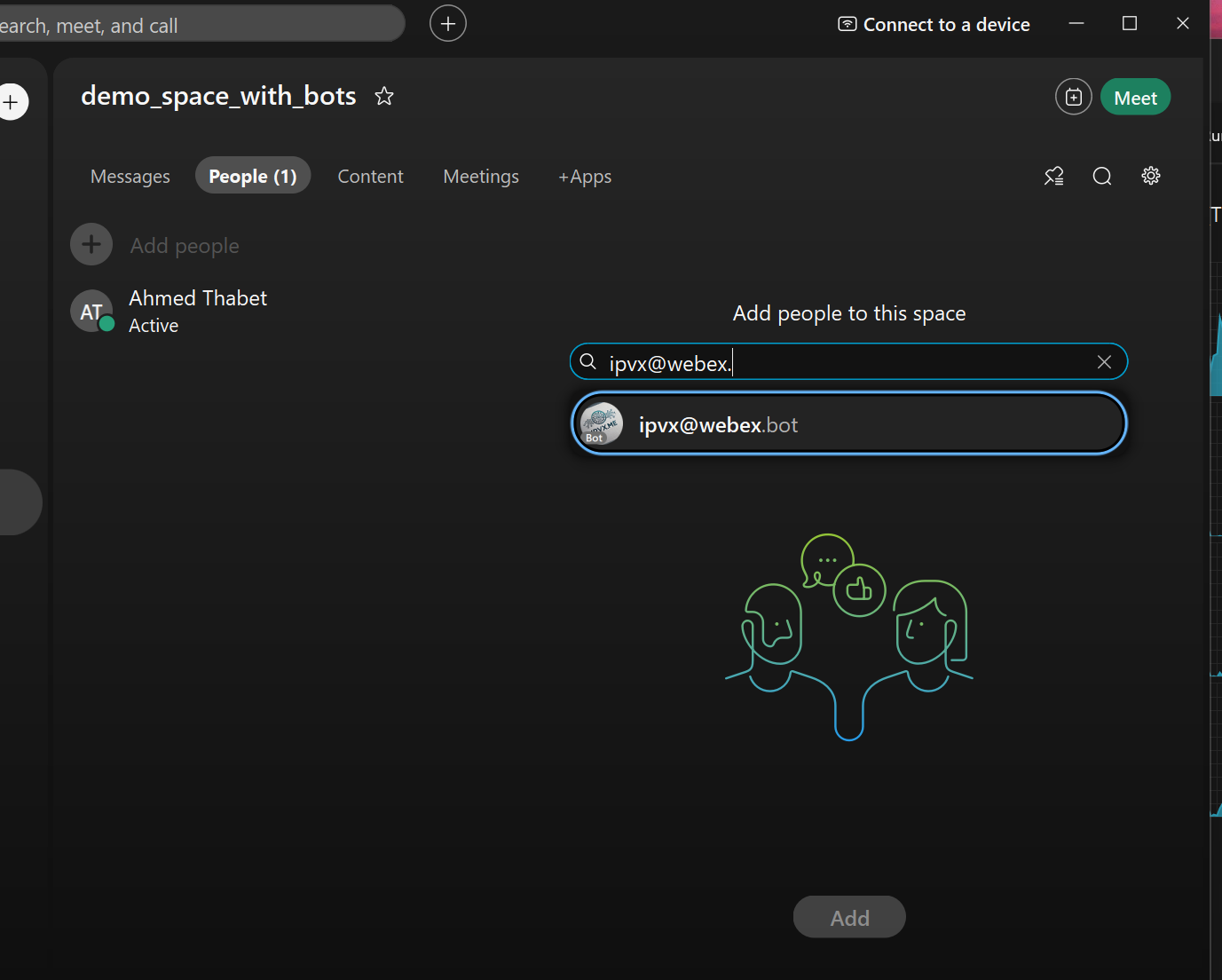
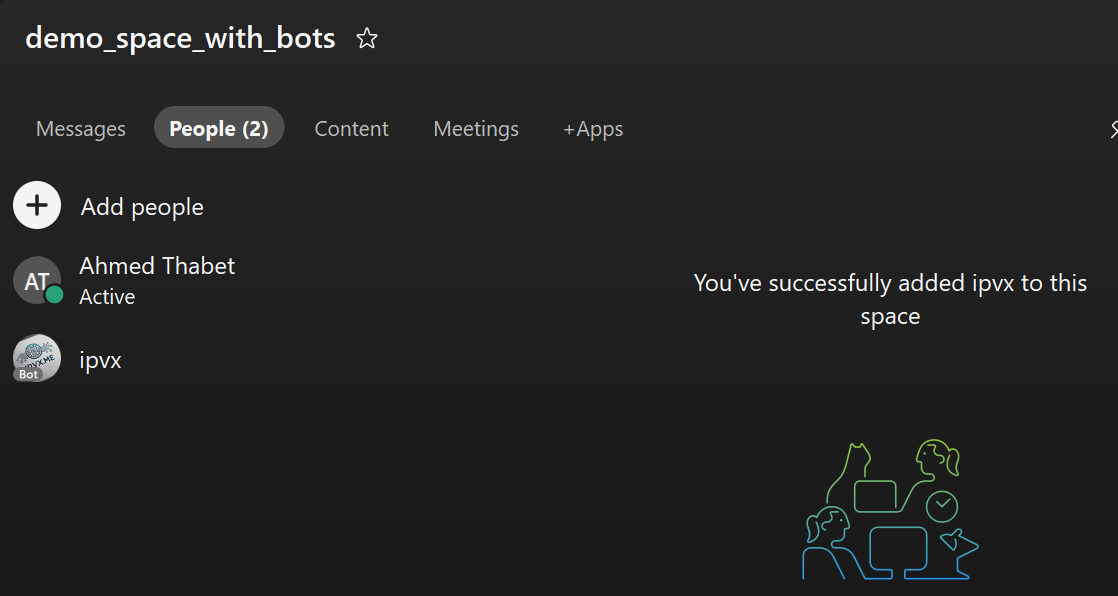
  1. Add the bot to a space by typing ipvx@webex.bot in the members' list.
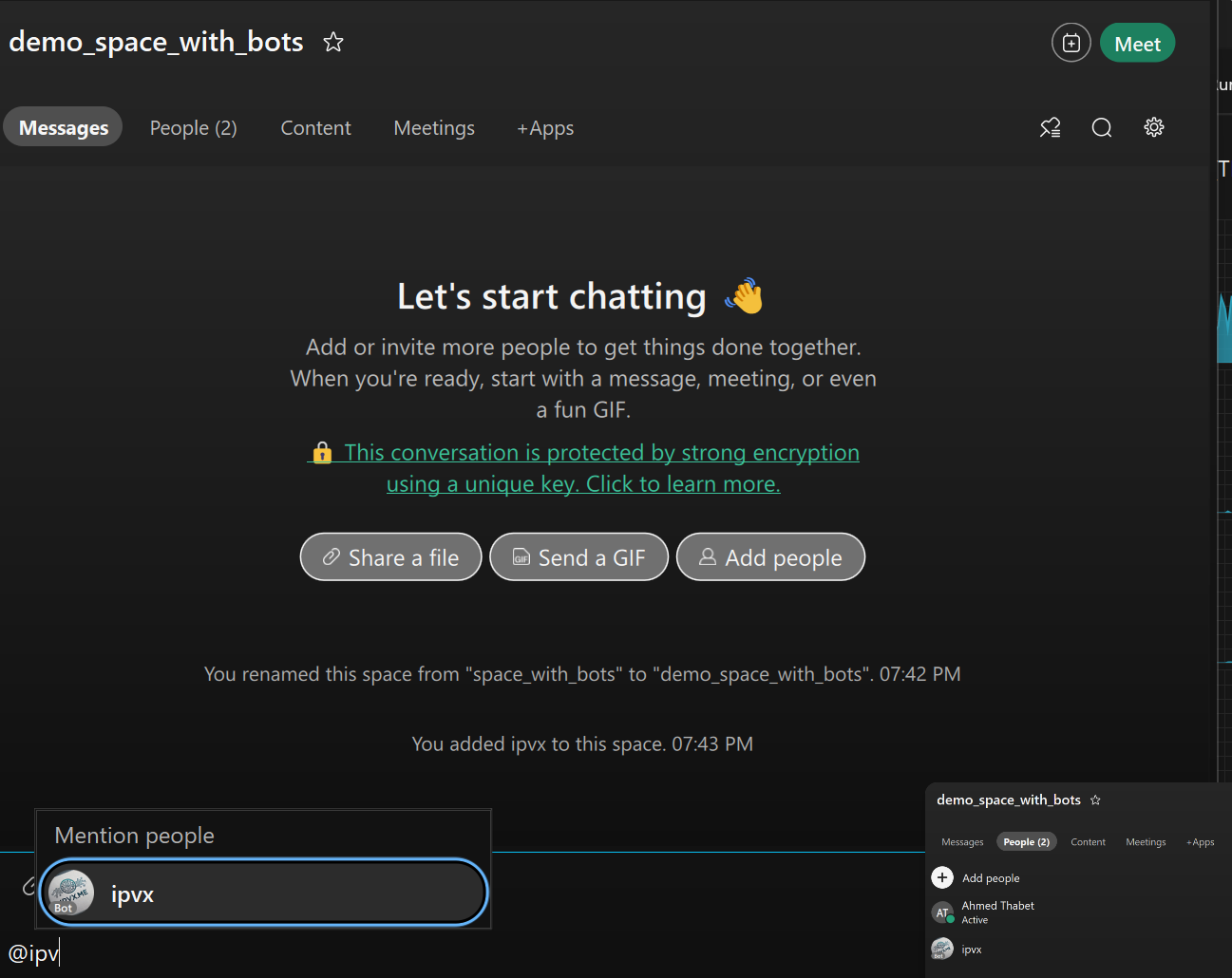

  2. Start sending commands to the bot
  3. The bot must be mentioned in the message to execute the command.


Future plans:

  1. Crypto functions

    ex: hashing, encryption and decryption of the provided values using the provided keys

  2. More integrations
  3. Enterprise Version
    • Local deployment that can be integrated with shared systems and net/sec devices
    • contact sales@ipvx.me for more info.